
Design your own interface.
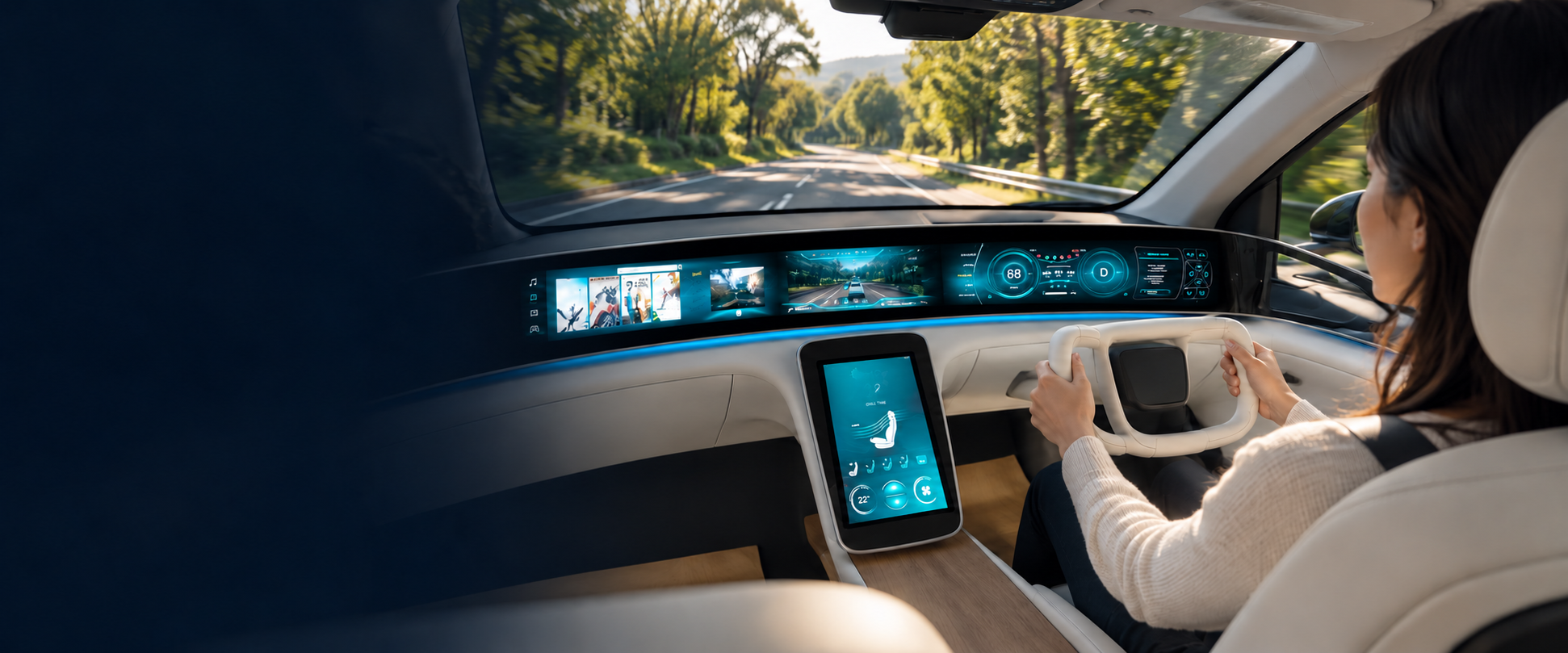
Use the cellphone app to personalize colours, graphics, layouts and displayed information. Drivers shape their own GUI, then apply the changes through NOAH.
NOAH / Graphics & HMI Runtime
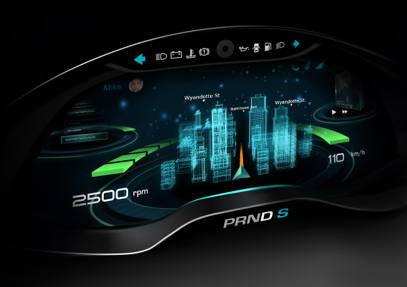
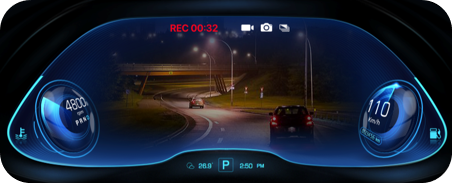
NOAH enables HMI and UX to be personalized for every user on the same hardware and software. It also includes a 3D graphics engine for rendering, a game engine for animation, a streamer for video display, and a vehicle integration interface.
Driving scene: concept visualization.
01 / Driver Experiences
Drivers may design their GUI and how the HMI responds to context. NOAH executes that HMI appearance and UX behavior, with changes taking effect immediately without replacing the system binary or rebooting.

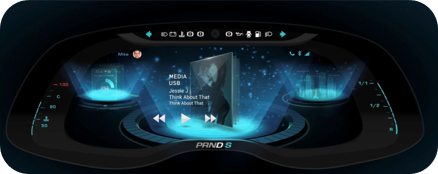
She chooses a playful 3D world around her driving information.
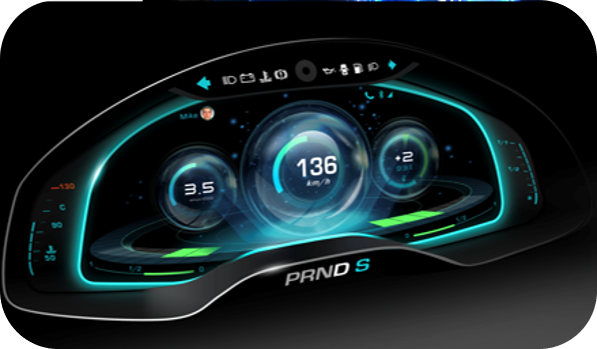
He chooses luminous gauges and a different information layout.
Illustrative individual design preferences. Both interface designs were built with NOAH;
Use the cellphone app to personalize colours, graphics, layouts and displayed information. Drivers shape their own GUI, then apply the changes through NOAH.
Use the cellphone app to define UX responses. For example: “When it rains after dark, use my low-glare layout.” Behavior is to respond within agreed vehicle scope.
02 / Vibe Machine / FOD & UX Apps Store
By introducing Vibe Machine and FOD, users can describe their preferred functions and UX responses through prompts. Vibe Machine interprets their intention, and NOAH brings the resulting appearance and behavior to life in the cockpit.
Three paths. One execution platform.
Design through the cellphone app
User designs the GUI and defines UX behavior
Render appearance and execute defined UX responses
Updated experience in the vehicle
Create through natural language
Describe preferred functions and responses
Interpret intention and create personalized functions
Render appearance and execute defined UX responses
Updated experience in the vehicle
Download from the UX Apps Store
Select an HMI design and behavior package
Render appearance and execute defined UX responses
Updated experience in the vehicle
Vehicle hardware and system binary remain unchanged. HMI and UX changes take effect immediately without a reboot.
Explore Vibe Machine / FOD →03 / 3D Graphics & Display Coordination
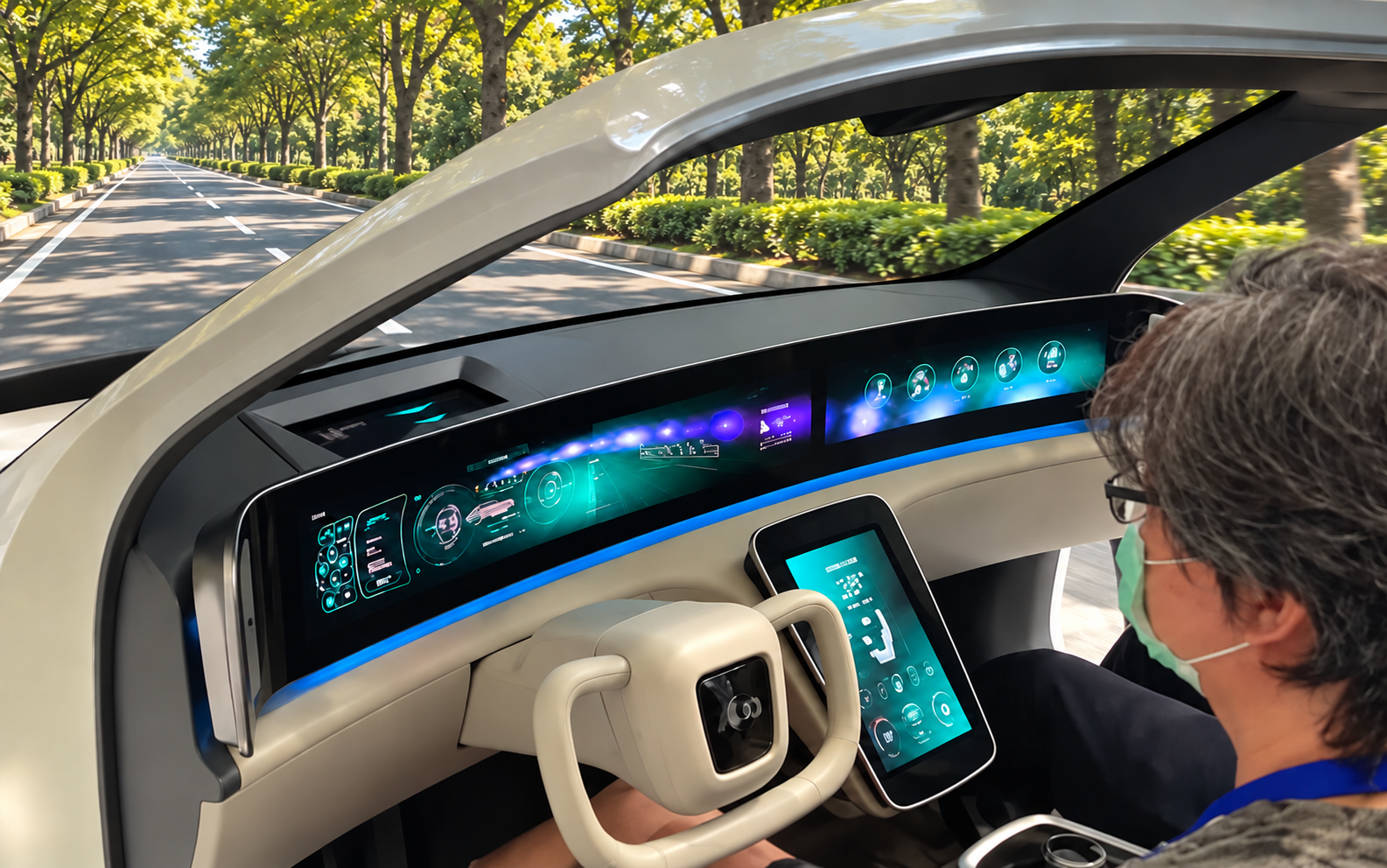
Render 3D graphics and animation across cockpit displays as a coordinated scene, with perspective aligned to the driver’s viewing position.
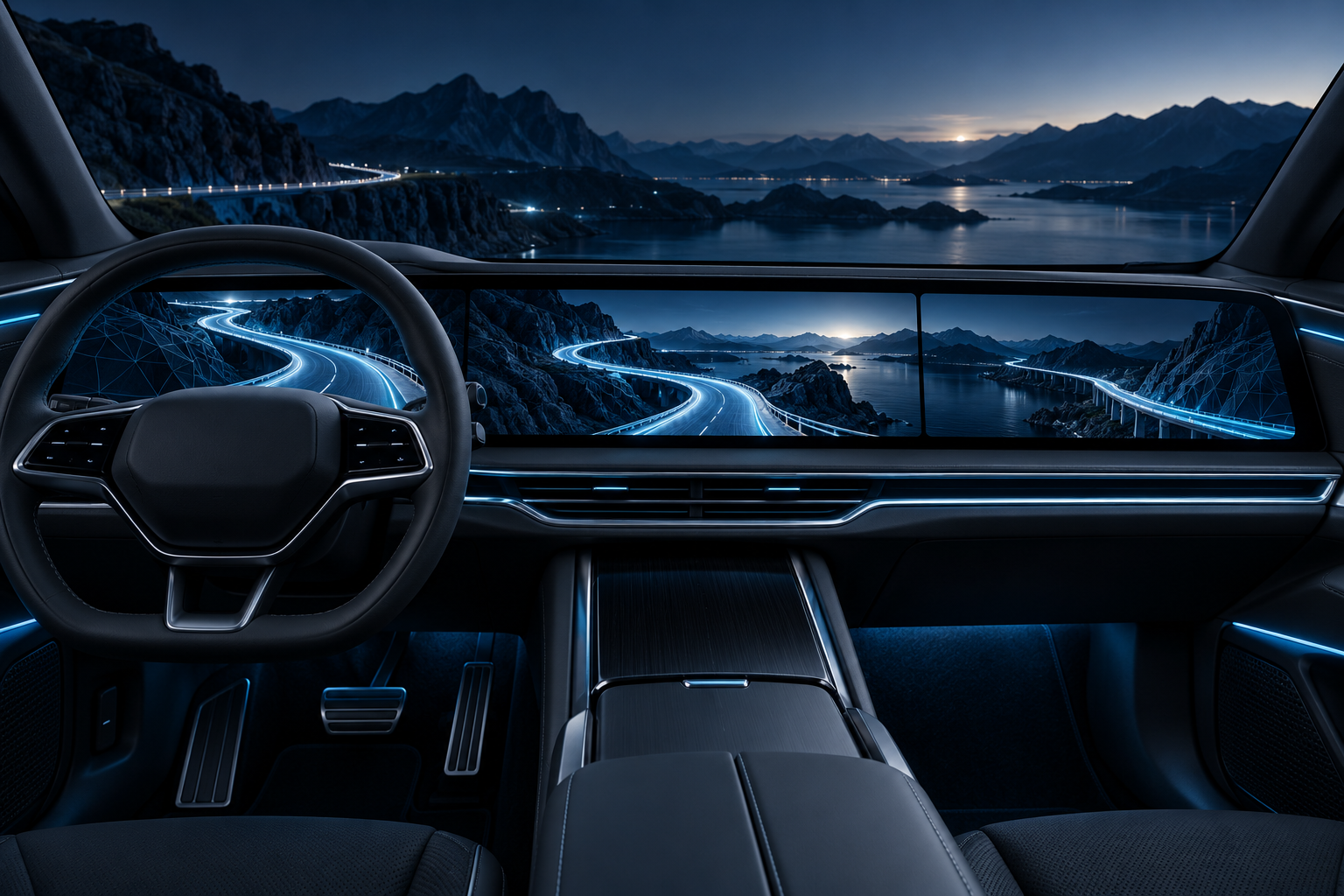
Display views are composed around a shared scene and viewing position, so the geometry reads as one connected view.
With pupil-position input, NOAH updates the virtual camera perspective as the driver moves, keeping the rendered scene aligned with the viewing position across displays.
Explore 3D Pupil Positioning →04 / Runtime-OTA
Runtime-OTA updates HMI content and behavior immediately without a reboot. The update may be driven by a manufacturer’s OTA release or a user’s personalization request.
Release a revised interface, add a display experience, or update interaction behavior through the OEM’s secure telematics channel. NOAH applies the HMI update immediately without a reboot.
A driver designs a preferred GUI and behavior through the cellphone app. NOAH applies the resulting configuration immediately on the same vehicle, without rebuilding its system software or rebooting.
| What changes? | Conventional FOTA / SOTA | NOAH Runtime-OTA |
|---|---|---|
| Update payload | Firmware or software binaries | Supported HMI content and behavior packages |
| Taking effect | Binary updates commonly require a restart or reboot | UX behaviors change immediately without restart or reboot |
| Driver personalization | Often limited to manufacturer-provided presets and options | Drivers design their own GUI and behavior after delivery; OEM and store experiences can also be deployed |
| Update efforts | Changes to executable system software require system-level validation and protection | Experience updates retain the existing binary; only package validation is necessary |
Runtime-OTA complements firmware and system updates. It applies to supported experience changes; new underlying system capabilities may still require conventional software updates.
05 / Embedded Performance
NOAH has been implemented on Renesas, Qualcomm, MediaTek, etc. Embedded performance has been measured; evaluation results can be reviewed against your target hardware and display workload.
Review NOAH’s measured embedded performance on your target hardware. Compare peak and steady-state memory, frame rate, startup and live-update time using the same resolution, assets, scene complexity and animation as your current framework.
Discuss an embedded benchmark →06 / OEM Adoption
Engage MAI to deliver a NOAH-based cockpit, or specify NOAH for integration by your Tier-1. Start with the target hardware, display configuration and one desired experience.
The OEM defines the cockpit identity, customer offering and services. Live personalization and downloadable experiences provide ways to evolve that offering after product delivery.
Adopt an implemented framework with embedded-platform experience, measured performance and agreed integration and lifecycle support. MAI works with your team or nominated Tier-1.
Evaluate NOAH
Bring your display configuration and one HMI or UX requirement. Review rendering, memory use, behavior execution and live updates with MAI before defining the integration scope.
Discuss your cockpit program →